
Downloading…
Your file is on its way — please wait a moment.
BitChute Video Downloader
Save Any BitChute Video in HD
Paste any public BitChute video link, instantly preview the clip in your browser, and save it directly to your device — no account needed, no watermark added, completely free.
About This Tool
Toolizo's BitChute video downloader gives you a clean, distraction-free way to save any publicly available video from bitchute.com directly to your device. No browser extension, no account, no confusing multi-step process: paste the video link, see a live preview, and hit download.
BitChute draws an estimated 7 to 10 million visits per month as of 2026, with the United States accounting for roughly half of all traffic (Semrush, cross-checked against Similarweb estimates). Session times run notably long, averaging over 6 minutes per visit, consistent with a platform built around longer-form independent video rather than short-form scrolling. That combination of scale and session length is exactly why a reliable way to save content matters here: BitChute hosts a category of video that often exists nowhere else online, and a platform this size doesn't guarantee any individual video stays up indefinitely.
BitChute is a video hosting platform built around a peer-assisted delivery model, meaning its videos are stored and served differently than mainstream platforms. Standard "right-click and save" methods often fail because the media URL isn't directly exposed in the page source. Toolizo resolves this by processing the video link through a dedicated API pipeline that retrieves the actual media file at its native resolution.
The tool produces two downloadable outputs: the original video file in the highest quality the uploader published, and the cover thumbnail as a standalone image. Every download routes through a streaming proxy that correctly handles HTTP Range requests, so the in-browser preview is fully scrubbable, and the downloaded file saves like a proper attachment rather than opening in a new tab.
Native MP4 Quality Preserved
Files are fetched at the original resolution and bitrate the creator uploaded, no transcoding, no compression added on Toolizo's end.
Zero Data Retention
Your submitted URL is processed in real time and discarded instantly. Toolizo keeps no logs of video links, IP addresses, or usage history.
Works on Every Device
iPhone, Android, Windows, macOS, Linux, or tablet — any device with a modern browser works without extra software.
No Watermark, Ever
The downloaded file contains only what the original creator published; Toolizo never overlays branding, logos, or promotional frames.
BitChute Shorts Downloader — Save Short-Form BitChute Videos
Unlike YouTube or TikTok, BitChute doesn't have a dedicated Shorts section or separate short-form category. However, a large share of videos published on BitChute run under five minutes: brief news clips, condensed commentary, quick explainers, and highlight reels that function exactly the way short-form content does on other platforms. People searching for a "BitChute shorts downloader" are typically looking to save these concise, punchy videos.
The Toolizo BitChute video downloader works identically for short clips as it does for full-length videos. There's no minimum or maximum length restriction; a thirty-second clip and a two-hour documentary are handled with the same workflow and the same output quality.
Short Clips Download in Seconds
Small file sizes mean short BitChute videos fetch and download almost instantly, even on mobile data connections with limited bandwidth.
Same Quality, Any Duration
Whether the clip is 45 seconds or 45 minutes, Toolizo always retrieves the full-resolution source file without re-encoding or trimming.
How to Download a BitChute Video
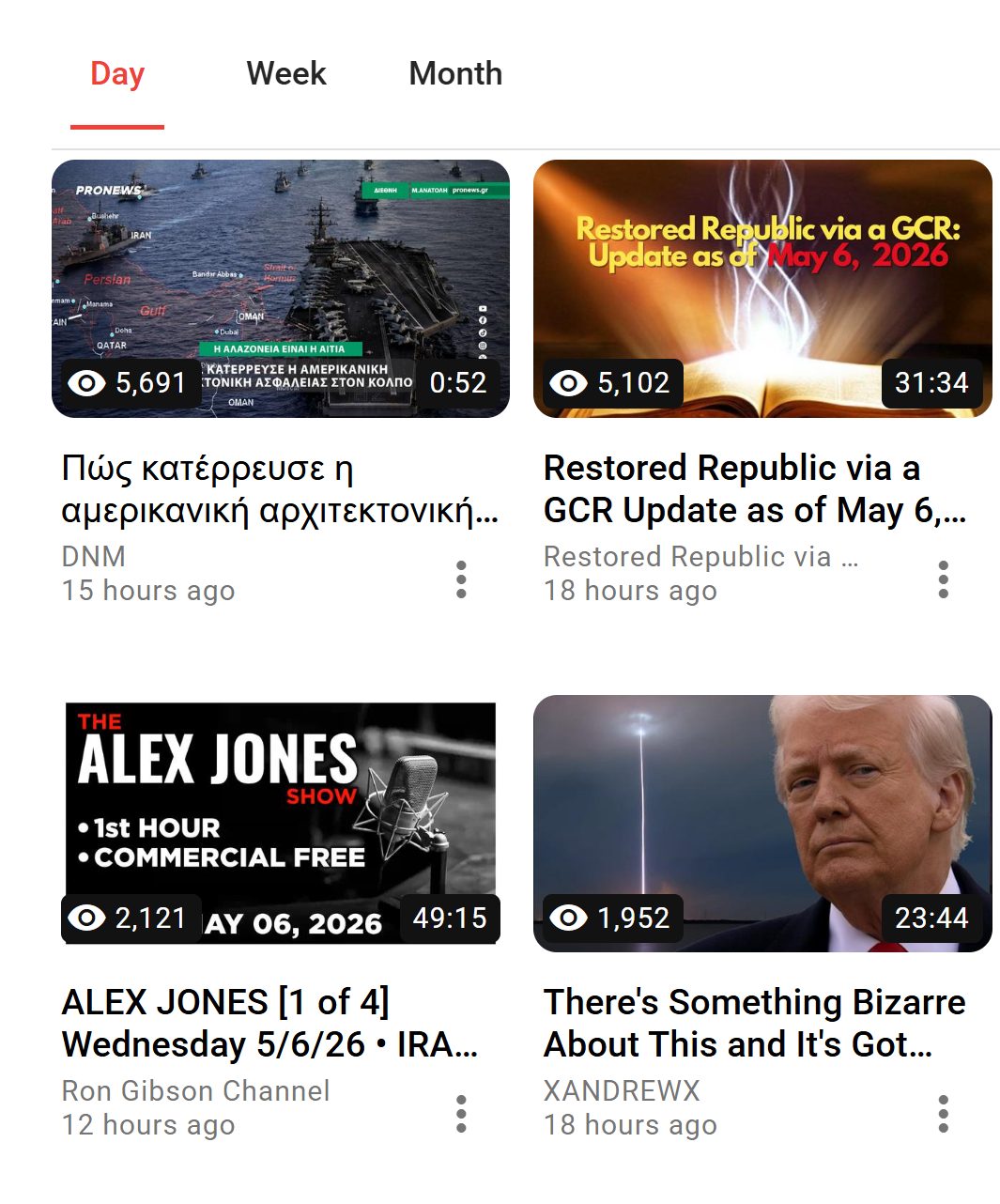
Open the Video on BitChute
Navigate to bitchute.com and open the video you want to save. Make sure it plays publicly, if the page requires a login or the creator has restricted access, no third-party tool can fetch it.
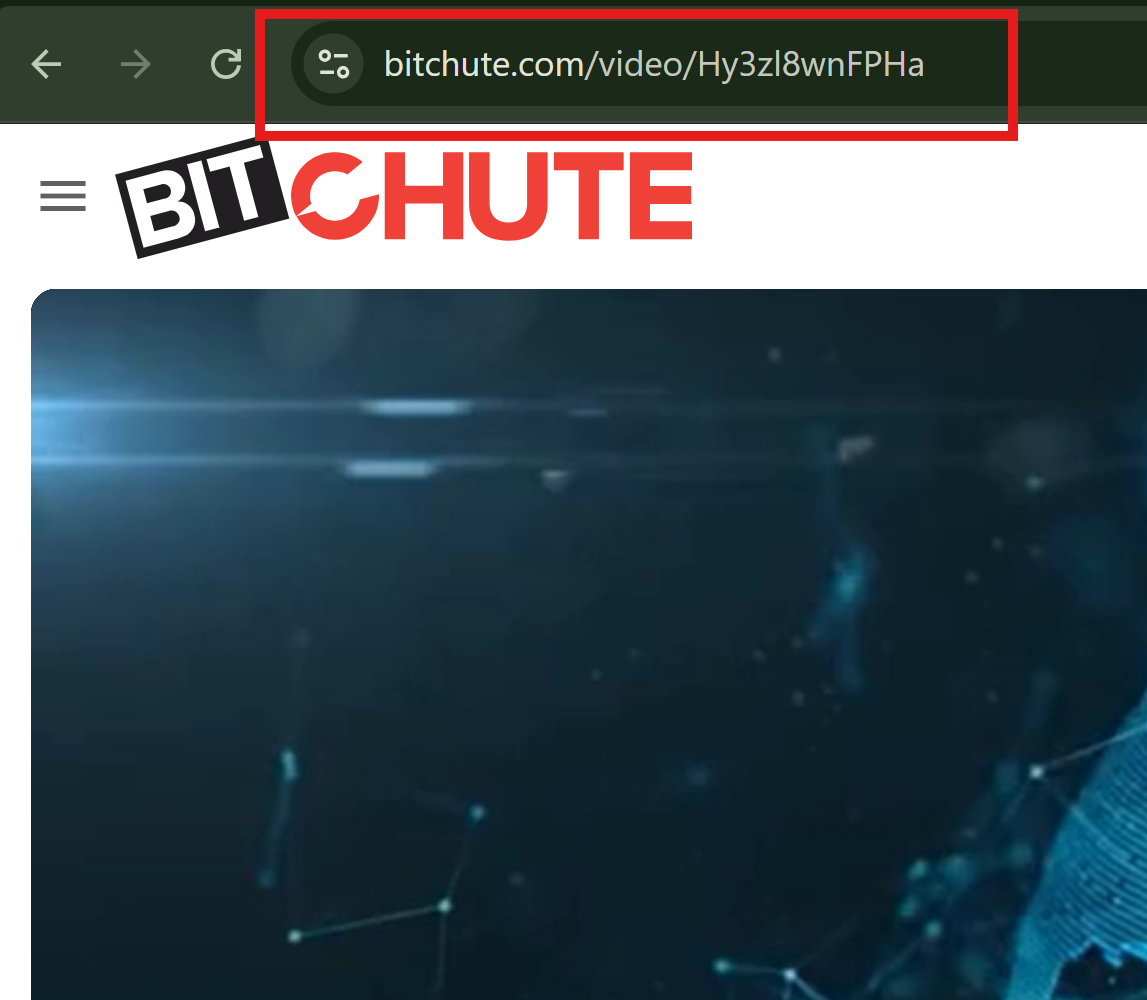
Copy the Video Link
Copy the full URL from your browser's address bar. BitChute video URLs follow the format https://www.bitchute.com/video/VIDEOID/.
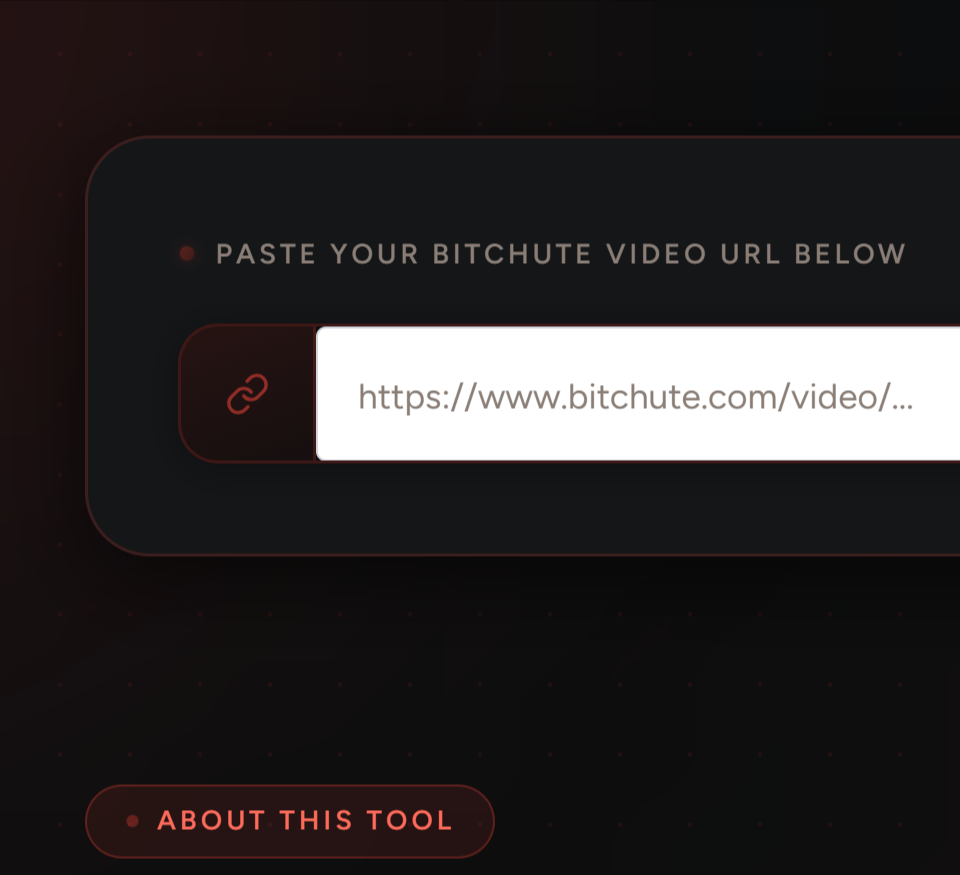
Paste the Link and Click Get Video
Paste the URL and press Get Video. The tool retrieves the video metadata and media URL, then displays a live, scrubbable preview inside your browser.
Download the Video or Thumbnail
Choose Download Video to save the full MP4, or Download Thumbnail to grab just the cover image. Both trigger a real browser download into your default downloads folder.

What Sets This BitChute Downloader Apart
Instant Resolution
No queue, no captcha, results within seconds even on slow connections.
Original File Quality
What the uploader encoded is what you receive, typically full HD.
No Account, No Limits
No signup wall, no daily quota, no premium version hiding behind a paywall.
Live Preview Before Saving
Watch and scrub the video before committing to download.
Cover Image in One Click
Clean JPG or PNG, ideal for reference files or presentation slides.
Free Now and Always
No hidden fees, no trial period, no feature gating.
Toolizo BitChute Downloader vs. Typical Online Tools
| Feature | Toolizo | Typical alternatives |
|---|---|---|
| Real browser download (not a new-tab player) | Always | Often plays in tab |
| Original quality, no re-encoding | Yes | Often downscaled |
| Live in-browser video preview | Built in | Rarely available |
| Dedicated thumbnail download button | Yes | Not offered |
| No signup or daily cap | Truly free | Often limited or gated |
| Privacy, no URL logging | Private by design | Most log requests |
| No watermark added to output | Clean file | Some add branding |
Practical Reasons People Download BitChute Videos
Building an Independent Media Archive
Example: a media researcher monitors independent journalists who publish exclusively on BitChute. Because content on alternative platforms can be taken down with little warning, they download and archive each video as it's published, maintaining a timestamped local collection that doesn't depend on the platform staying live.
Offline Viewing in Low-Connectivity Areas
Example: a commuter saves educational and documentary content before leaving home. The downloaded MP4 plays locally in any video player without needing a data connection.
Academic and Fact-Checking Research
Example: a fact-checker downloads a relevant clip to preserve it as evidence in the original format; video files carry metadata and quality information that screenshots and screen recordings cannot replicate.
Independent Creators Repurposing Their Own Content
Example: a podcaster who cross-posts episodes to BitChute retrieves older episodes to re-edit into highlight reels, pulling the published version directly rather than hunting for a local source file.
Documentary and Investigative Filmmakers
Example: a producer downloads interview footage posted by a source, after confirming rights, to integrate it into their editing timeline at original encoding rather than degrading quality through screen capture.
Thumbnail Extraction for Content Designers
Example: a designer compiling a moodboard uses the Download Thumbnail button to extract original high-resolution cover art from several videos, instead of low-resolution screenshots.
Getting the Most Out of This Tool
- Bookmark Toolizo for quick access, or add it to your phone's home screen.
- Verify the video is publicly accessible first; check it loads in a private browser window before pasting the link.
- Use the preview to confirm the right clip, especially when working through a list of multiple URLs.
- Save thumbnails alongside videos as part of your archive practice; they load faster in file browsers.
- Both https://www.bitchute.com/video/ and https://bitchute.com/video/ (without www) work identically.
- Embed links (/embed/VIDEOID/) are also accepted; no need to navigate to the main video page first.
Who Uses This Tool
Independent Researchers and Analysts
Monitoring alternative media ecosystems and analyzing framing and production trends across platforms outside mainstream hosting infrastructure.
Digital Archivists and Journalists
Creating local copies of videos before they're edited, re-uploaded, or removed from the platform entirely.
Independent Content Creators
Maintaining local backups of their own uploaded content and repurposing clips for other platforms without losing quality.
Offline Learners and Long-Distance Commuters
Downloading educational or documentary content ahead of time for offline playback during commutes or flights.
Video Editors and Documentary Producers
Obtaining clean, high-quality source files suitable for editing applications, without resorting to screen captures.
Frequently Asked Questions
Yes. Free with no premium tier, no download cap, and no account required, for personal, non-commercial use.
Standard video page URLs (bitchute.com/video/ID/), embed URLs (bitchute.com/embed/ID/), and both www and non-www variations.
No. Toolizo only retrieves publicly accessible content; videos requiring a BitChute account or made private by the creator cannot be accessed by any external tool.
MP4 at the highest resolution available, the same encoding the original creator uploaded, with no re-encoding or down-sampling.
No. The file you receive is exactly what the creator published, unmodified, without added overlays.
Yes, across Safari, Chrome, Firefox, Edge, and Brave. On iOS, if the video plays instead of downloading, long-press Download Video and select Download Linked File.
No. Each URL is processed in memory and discarded immediately; there is no database of submitted links, no IP log tied to downloads.
This appears when the video isn't publicly accessible without logging in, has been removed, or the URL points to a channel or playlist rather than a specific video.
Yes, a Download Thumbnail button appears alongside the video option, saving the full-resolution cover as JPG or PNG.
Intended for saving publicly available content for personal, non-commercial use. Whether you may share or republish a specific video depends on the rights the creator has granted and applicable copyright law.
More Free Tools on Toolizo
- All in one Instagram Downloader
- Download instagram videos in HD.
- ifunny Video Downloader — Download Memes, gifs and videos.
- YouTube Thumbnail Downloader — Download any youtube video Thumbnail in HD quality.
- TikTok Story Viewer - Watch TikTok Stories Anonymously
- YouTube Video Downloader — Download any youtube video, short & thumbnail in HD.
- Pinterest Video Downloader — Download any kind of pinterest video.
- Twitter(X) Video Downloader — Download any twitter(x) video in hd quality.
- Snapchat Video Downloader — Easily download snapchat story & spotlight videos.
- Facebook Video Downloader — Download any facebook video in HD.
- Instagram Story Downloader — Download any story in HD.
- Snapchat Story Viewer — Watch public snapchat stories anonymously.
- Instagram Post Downloader — Download public instagram posts & carousel.
- Instagram To Mp3 — Easily convert instagram video into mp3.
- Instagram PFP Download — Download instagram profile picture in HD.
- Profile Viewer For Instagram — Analyze any instagram profile.
- Instagram All in one Download — Download any kind of instagram content.
- TikTok Profile Picture Download — Download any tiktok profile picture.
- TikTok Video Downloader — Download any tiktok video in HD.
- All Toolizo Tools — Browse all free social media tools.
- Toolizo Blog — Guides, tips, and social media news.
External References
The Toolizo BitChute video downloader is provided strictly for downloading publicly available content for personal, non-commercial use. Users are solely responsible for how downloaded content is used and for ensuring their use complies with applicable copyright law.
Downloading and redistributing copyrighted videos without the creator's explicit permission may violate BitChute's Terms of Service and copyright laws in your jurisdiction. Always credit the original creator and seek permission before any commercial use or redistribution. Toolizo is not affiliated with, endorsed by, or connected to BitChute Ltd. or any of its affiliated entities.
Ready to Save Your First BitChute Video?
Paste any public BitChute link above — preview, then download in under thirty seconds. Free, always.
Start Downloading — It's Free